// Product
The complete project delivery loop
Onboard a client, run projects and action items, collaborate through a branded portal, manage files, and track billable time — without reaching for another tool.
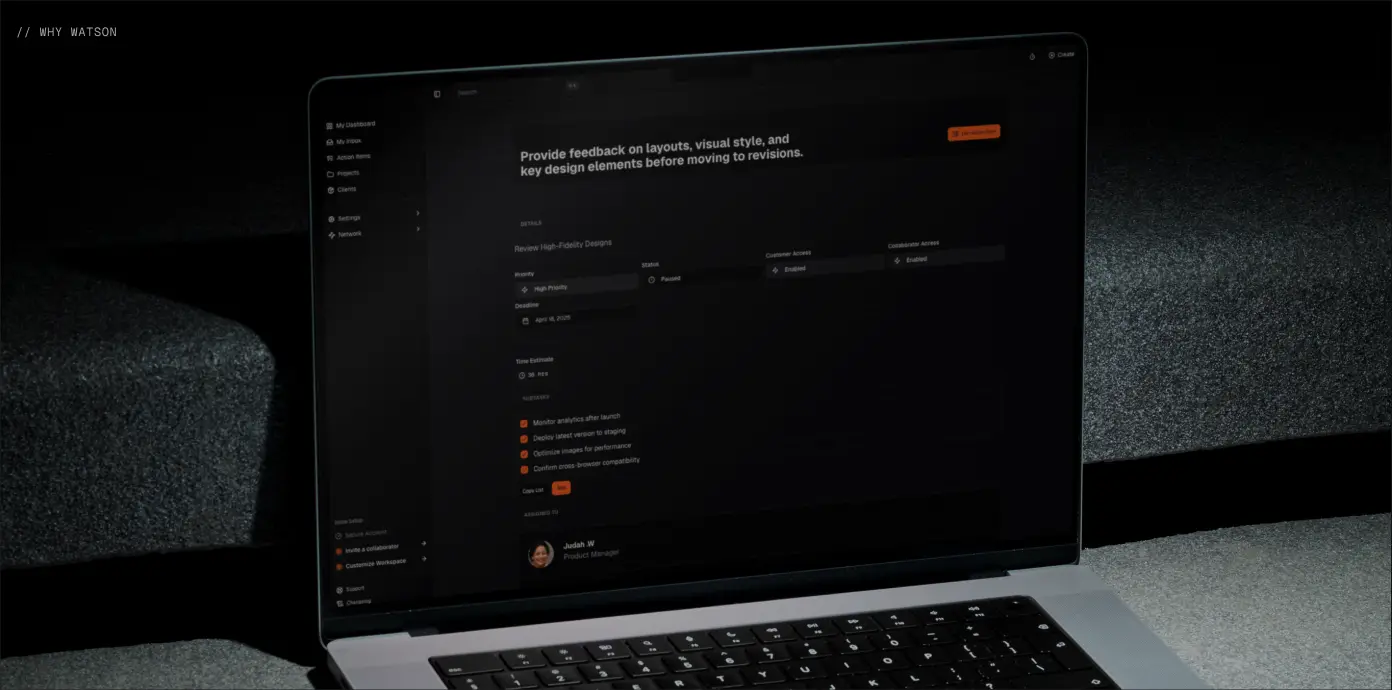
What Watson does
The complete delivery loop — the systems shipping in the MVP.
- // 01Core Platform & WorkspaceAccount creation, workspace setup, billing plans, settings, and multi-workspace switching.
- // 02NetworkOrganizations, contacts, and rosters — CRUD, tagging, archiving, profile linking, filtering, and roster-triggered signup invites.
- // 03Projects & Action ItemsProjects, action items, subtasks, milestones, stages, timeline, conversations, requests, and documents & files.
- // 04CommunicationRequests (approvals, reviews, work & changes), messages, conversations, notifications, and a unified inbox.
- // 05Client PortalBranded client access with controlled visibility, file exchange, messaging, requests, and approvals.
- // 06Files & PagesPages, canvases, files, and links in one resource model with versioning, exchange, and visibility-scoped access.
- // 07Time TrackingManual entry and a timer, time-entry review, and billable linkage to invoice line items.
What's coming
The rest of the loop — framed as momentum, tracked on the Roadmap.
Calendar & SchedulingInvoicing & PaymentsFinancial ManagementReporting & AnalyticsSales ManagementProposalsContracts & AgreementsForms & IntakeAutomation & IntegrationsCommunity